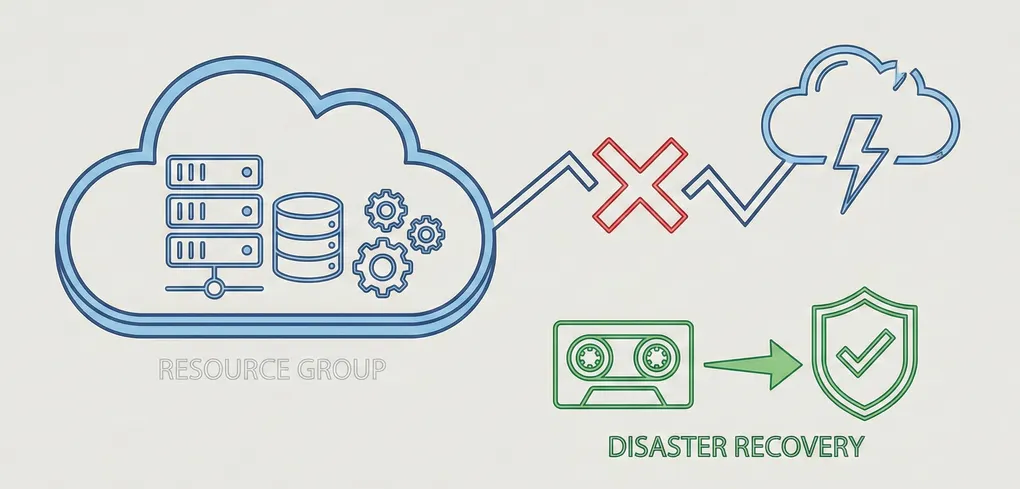
Incident Recovery in the Cloud: A Lessons Learned Report on Azure Resource Group Deletion
In foundation courses I have participated in, the importance of Disaster Recovery (DR) and its role in protecting vital assets within an organization is repeatedly emphasized. Unpredictable factors, both from natural and human sources, can cause disruptions in an organization’s uptime leading to potential losses of assets and infrastructure, and perhaps most critically, significant financial costs for damage mitigation.
While exercises and examples may help to understand the implementation and actionability of DR plans, dealing with a real-world scenario- regardless of scope- highlights just how crucial robust DR strategies are to resuming core operations when things go awry.
The Incident
I was configuring a lab environment using a Kali Linux VM for offensive procedures and a Ubuntu VM as the target. In the process of creating this environment, I intended on cleaning up unused resource groups created when working through Microsoft Learning modules.
While reorganizing, I mistakenly selected one too many groups to delete. Once deleted, Azure resources are often unrecoverable. This immediately caused this site to crash. Azure stopped communicating with GitHub, and my error logs began immediately noting the issue.
Essentially, I severed the tie between my GitHub repo and Azure.
Incident Response
As Azure confirmed the deletion, I understood it was going to immediately create errors. But what function was that resource group serving? After searching through previous documentation and resources, I concluded that I did in fact delete the location that was housing and serving the webpage users saw.
My first immediate reaction was to see if there was a recovery method to ‘undo’ the error but sadly no success. This was an important lesson learned. I began retracing my steps to identify where I created my Azure resource group. Sure enough, I kept a log of what I created. I was unable to perform a proper backup/recovery, however I understood what I was now missing.
Or so I thought.
First Fix (GitHub)
Maintaining a consistent connection between GitHub and Azure is vital for a secure, automated CI/CD pipeline. By deleting the original resource group, I had essentially destroyed the unique identity Azure used to communicate with my repository.
When I recreated the Static Web App, Azure automatically generated a new GitHub Actions workflow file. However, because I made these initial configuration changes directly within the GitHub web interface rather than locally in VS Code, my local repository became “out of sync” with the remote server. When I tried to push my blog updates, Git blocked the action to prevent a “non-fast-forward” error- a safety mechanism to ensure I didn’t accidentally overwrite the new recovery files GitHub now held.
After pulling the remote changes to sync with my local environments, I executed a push using the --force-with-lease flag, a first for me. This flag allowed me to update the remote history with my new content while ensuring the recovery configuration remained intact.
Second Fix (Ghost Token)
The next fix on the list brought me to the old Deployment Token GitHub was holding on to. The new static web app was rejecting the old token. Thankfully, this was an easy fix, as I had to change the Repository Secrets within the GitHub Repo to route it to the new web app.
Final Fix
The last step to guarantee a working state was to add the new TXT record verification to Azure. This step proves strict domain ownership. In other words, it ensures that only the person with access to the DNS records (in the owner’s possession) can bind the domain to the Azure resource.
Thankfully, within an approximate hour and a half window, I was back up and running. The pipeline was corrected and back to its previously working secure state. But some really crucial lessons extracted from this mistake. Things that I am thankful to have learned in a recreational environment.
- ALWAYS CREATE A BACKUP. If, knock on wood, another incident occurs and it happens to take me down, there should always be a reserve copy of the current version to revert back to.
- Make sure to update the backup alongside the current version.
- Multiple backups can be helpful if previous versions need to be recalled.
- KEEP A LOG OF ACTIONS. Note down changes and alterations integrated into the application(s) in case of potential future callback.
- A fellow acquaintance told me when working with Git to commit often as I work; it acts as a saving point/log. It is a manner of tracking your progression and what steps were made in which update.
- IMPLEMENT RESOURCE LOCKS. Azure provides applicable locks specifically to prevent accidental removal of critical infrastructure.
- I have applied these locks to all resource groups to ensure confirmation is required before a critical action.
While an accidental deletion is never the goal, the experience of restoring my environment from the ground up provided a practical masterclass in cloud architecture and incident recovery. In a professional setting, a “nuclear event” like this could cost an organization thousands in downtime; in my personal lab, it cost me ninety minutes and a valuable set of lessons.
I am now much more intentional about my deployment checklists. By implementing resource locks, maintaining a clear action log, and practicing safe Git operations like --force-with-lease, I’ve moved from simply “hosting a site” to “managing infrastructure.” My portfolio is back online, but it’s now supported by a much more resilient mindset.
AD